Tools
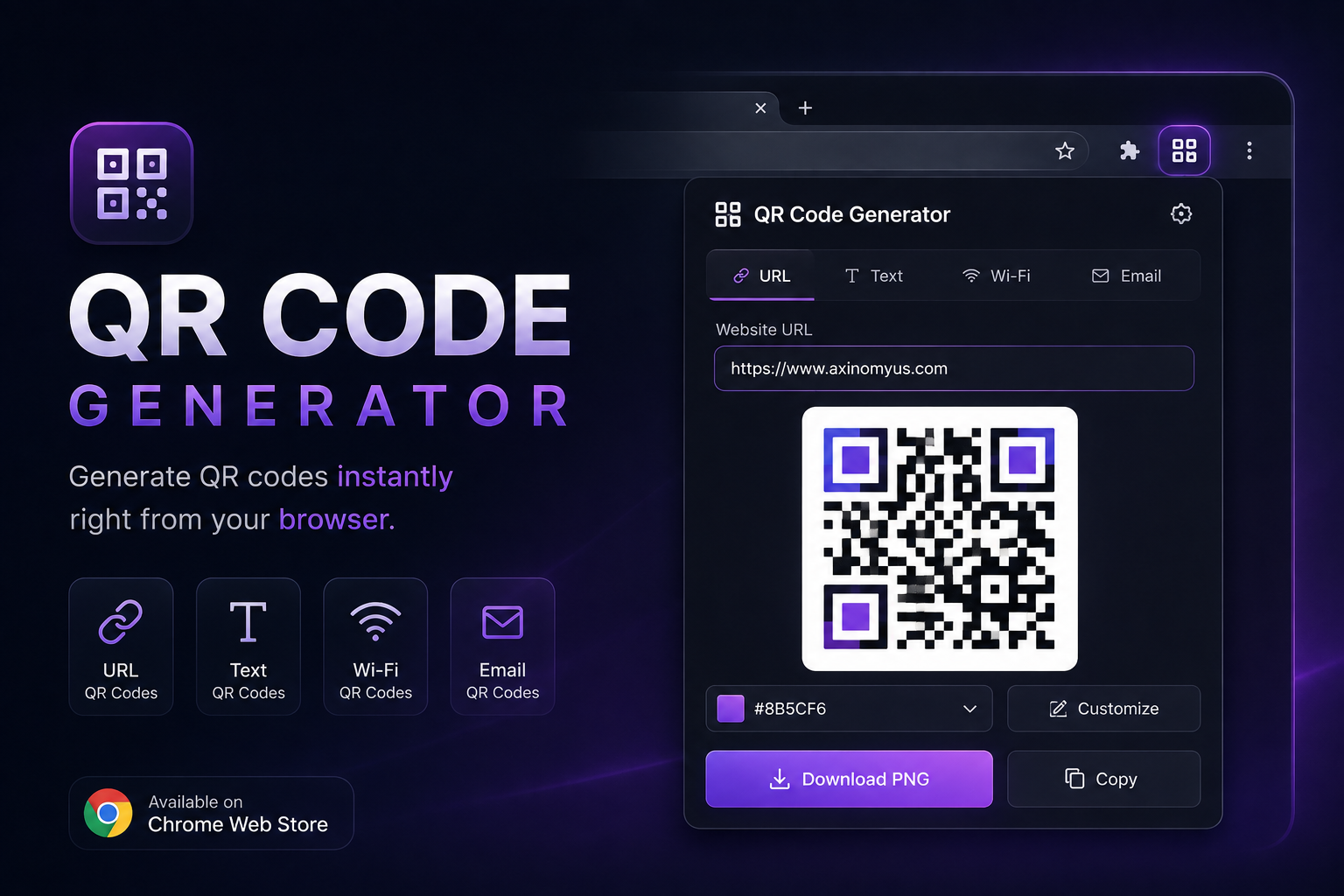
QR Code Generator Extension
Generate free and unlimited QR codes for your business.
Explore product →
A modern Windows toolbar for quick window management. Minimize, fullscreen, always on top, center window, and more.
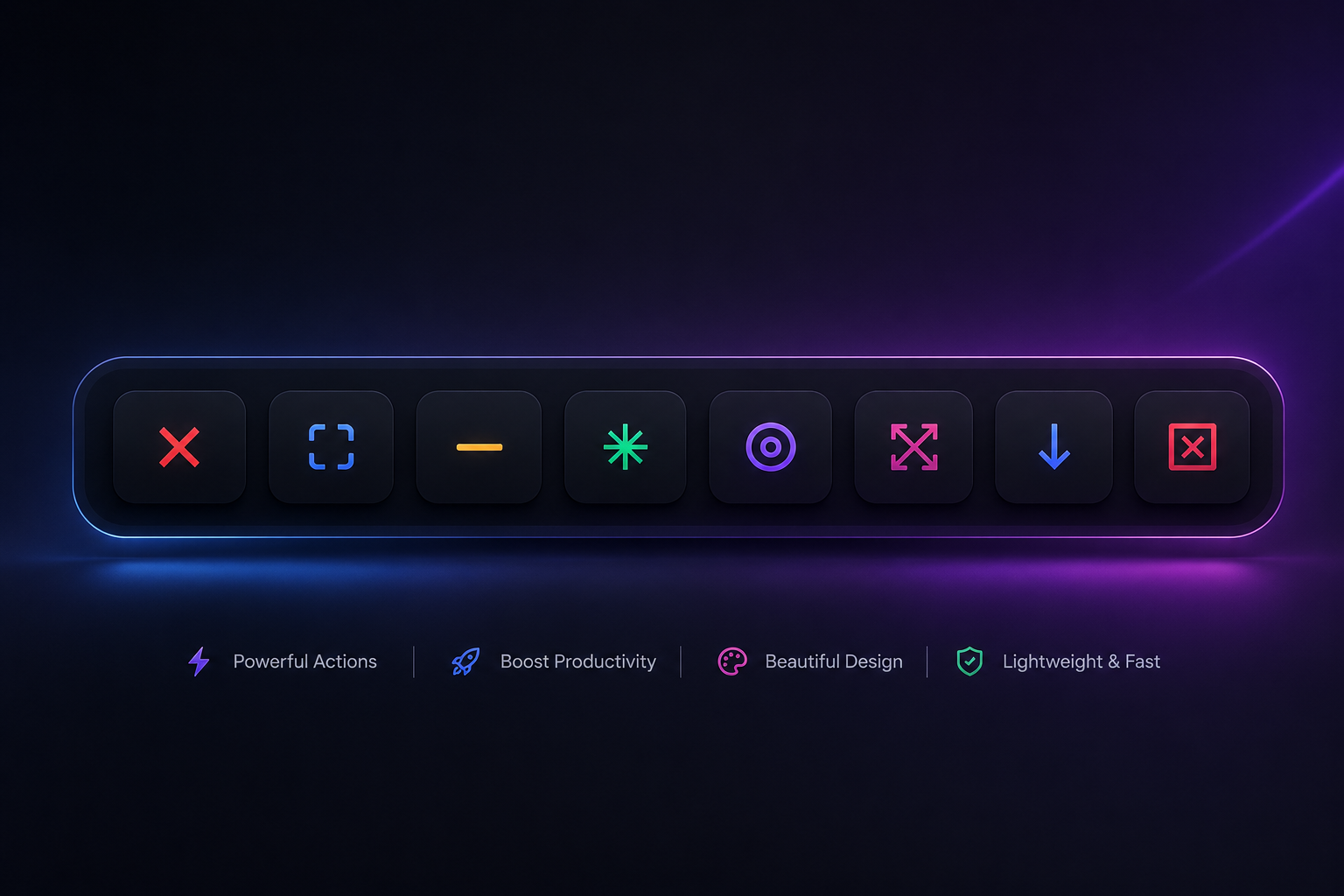
PowerToolbar by Axinomюs — a modern Windows toolbar application that provides quick access to window management functions. The toolbar appears above the active window with a sleek, animated interface.

Get quick access to essential window controls: close window, toggle fullscreen, minimize, toggle always on top, center window, and kill processes by name. The UI features rounded corners, smooth animations, dark theme with customizable button colors, tooltips, and a layered window with transparency.
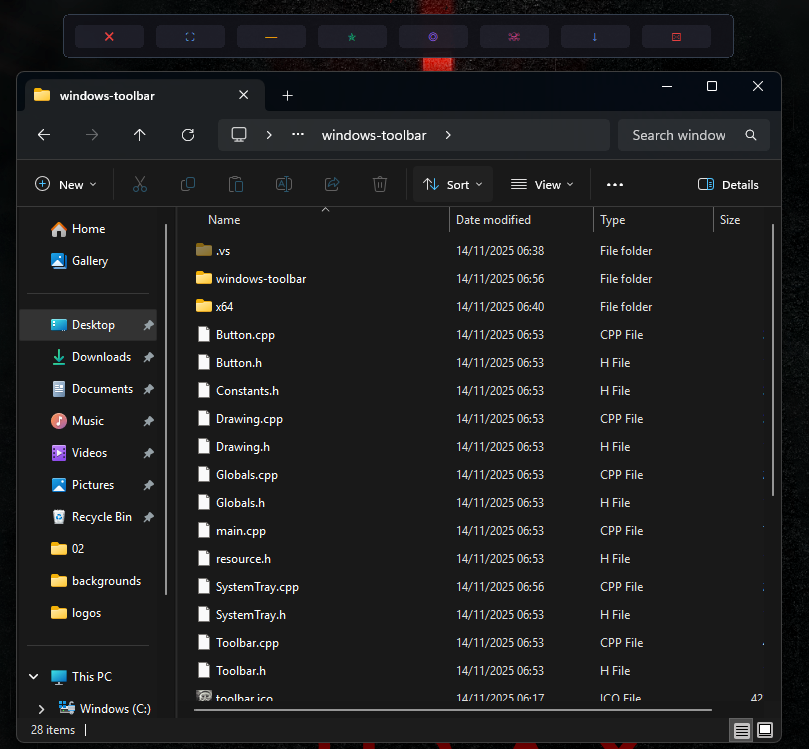
Windows Toolbar integrates with the system tray: minimize to tray, right-click context menu, double-click to restore. It automatically positions above the active window and supports a minimized toolbar mode with smooth show/hide animations.

Requirements: Windows 10 or later. Build from source with Visual Studio 2019+ and Windows SDK 10.0. Licensed under MIT.
View the source code on GitHub for build instructions and contribution guidelines.
Generate free and unlimited QR codes for your business.
Explore product →
Comments
Share your experience, ask a question, or read responses from the Axinomyus team.
There are no published comments yet. Be the first to share feedback.